|
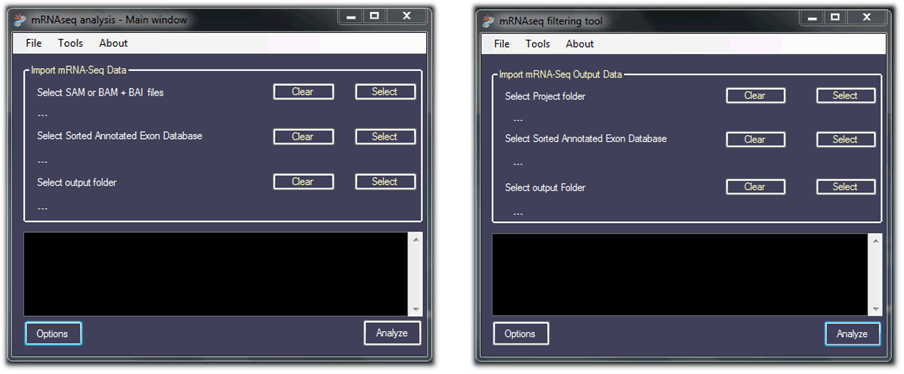
The typical FusionAnalyser Input flow is controlled by the main Input window (left panel). Using this approach, FusionAnalyser will accept SAM/BAM-BAI data as Input and will start processing them. Then, it will apply the static filters to the processed Input data. If a new analysis (i.e. with different option settings) is required, it is possible to skip the SAM/BAM processing and go straightly to the filtering step. This is done by loading the previously analyzed project (right panel): by doing so FusionAnalyser is able to retrieve the intermediate, unfiltered data, and start processing them, saving computational time.
|