|
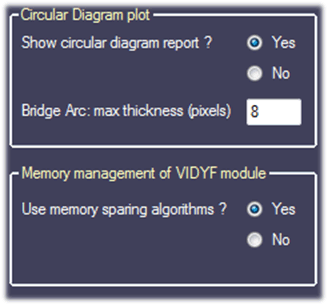
There are two visualization options:
- the first one allows the user to choose whether the VIDYF module (circular diagram report) should be shown. If so, the user can define the maximum thickness for each ‘Bridge arc’ associated with a specific fusion. The thickness of each arc is by default proportional to the read coverage of the fusion up to the maximum thickness defined here.
- The second one allows the user to activate the Memory sparing algorithms (default is yes). The activation of these algorithms plays an important role during the visualization steps and allows saving a substantial amount of memory with a minimum loss of performance so their use is strongly advised.
|